
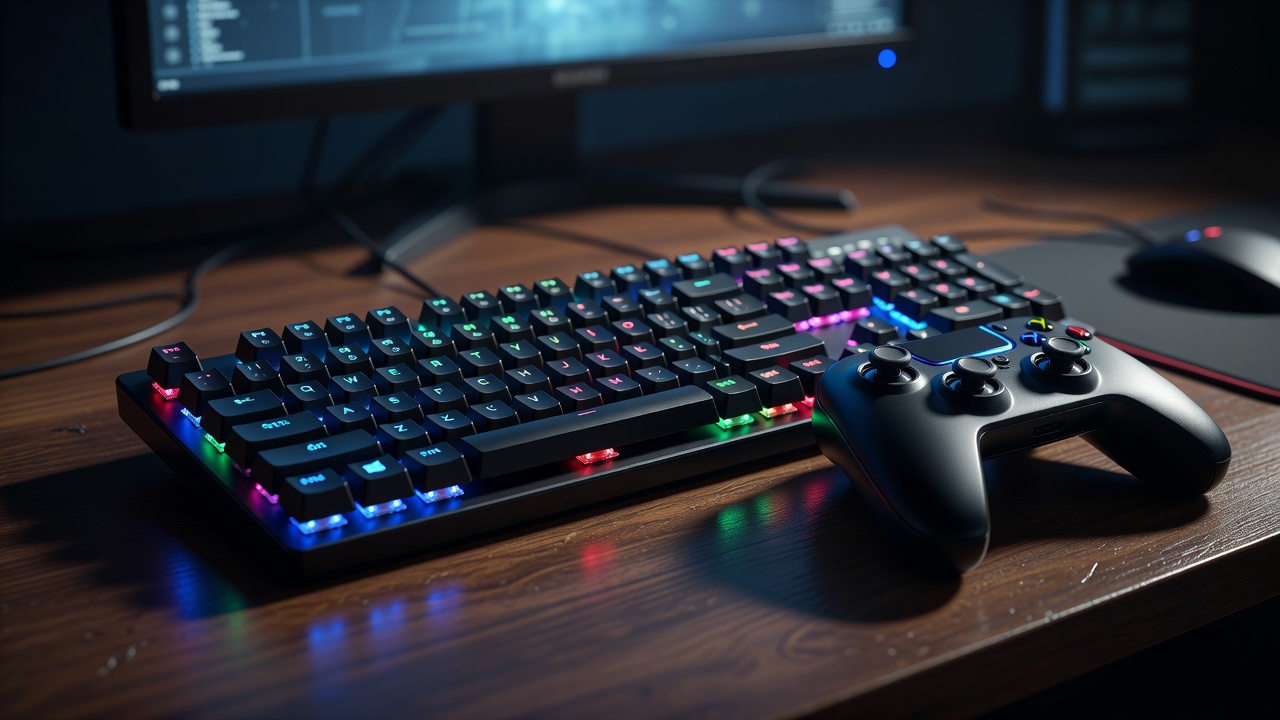
Controller vs Keyboard and Mouse: Which Is Better for Your Genre?
On PC you can often choose how to play. The right input device depends on the genre, your comfort and what your friends use.
Key takeaways
- Keyboard and mouse excel at precision aiming and complex interfaces.
- Controllers excel at driving, platforming and relaxed couch play.
- Steam Input can remap almost any controller for any game.
Shooters
Keyboard and mouse give faster, more precise aiming, which is why competitive players favour them in games like Counter-Strike 2. Controllers rely on aim assist in many console games, which is why some competitive modes separate input types. For campaign-focused games like DOOM Eternal, both work well. See our best shooters.
Strategy
Real-time and grand strategy games depend on shortcuts, selection boxes and dense menus, so keyboard and mouse are the clear winners. Turn-based tactics such as XCOM 2 have good controller support on consoles. See our best strategy games.
Racing and Platformers
Analogue triggers and sticks give smooth throttle and steering, so controllers are ideal for racing and precise platformers such as Celeste. Serious sim racers should consider a force-feedback wheel and pedals. See racing and sports and indie and platformer picks.
RPGs and Action-Adventure
Most big RPGs are designed with controllers in mind, though keyboard and mouse can speed up inventory management in games like Baldur's Gate 3. Try both for ten minutes and see which feels more natural.
Accessibility and Comfort
Customisable controls make games more inclusive. The Xbox Adaptive Controller, released in 2018, lets players connect switches, buttons and other assistive devices to Xbox and PC. Many modern games also include remapping, toggle-instead-of-hold and sensitivity settings. Take regular breaks and keep your wrists and shoulders in a neutral position to prevent strain.
Practical Tips
- Use Steam Input to configure controllers consistently across games.
- Enable raw mouse input and adjust sensitivity gradually in shooters.
- Match your monitor's refresh rate to your game settings for smoother motion.
- Try a hybrid approach: controller for relaxed games, keyboard and mouse for competitive ones.